How to Deliver Digital Downloads Automatically: 2026 Guide
Build a reliable automatic delivery flow for PDFs, templates, audio, and other digital downloads, from checkout and receipt to recovery and support.
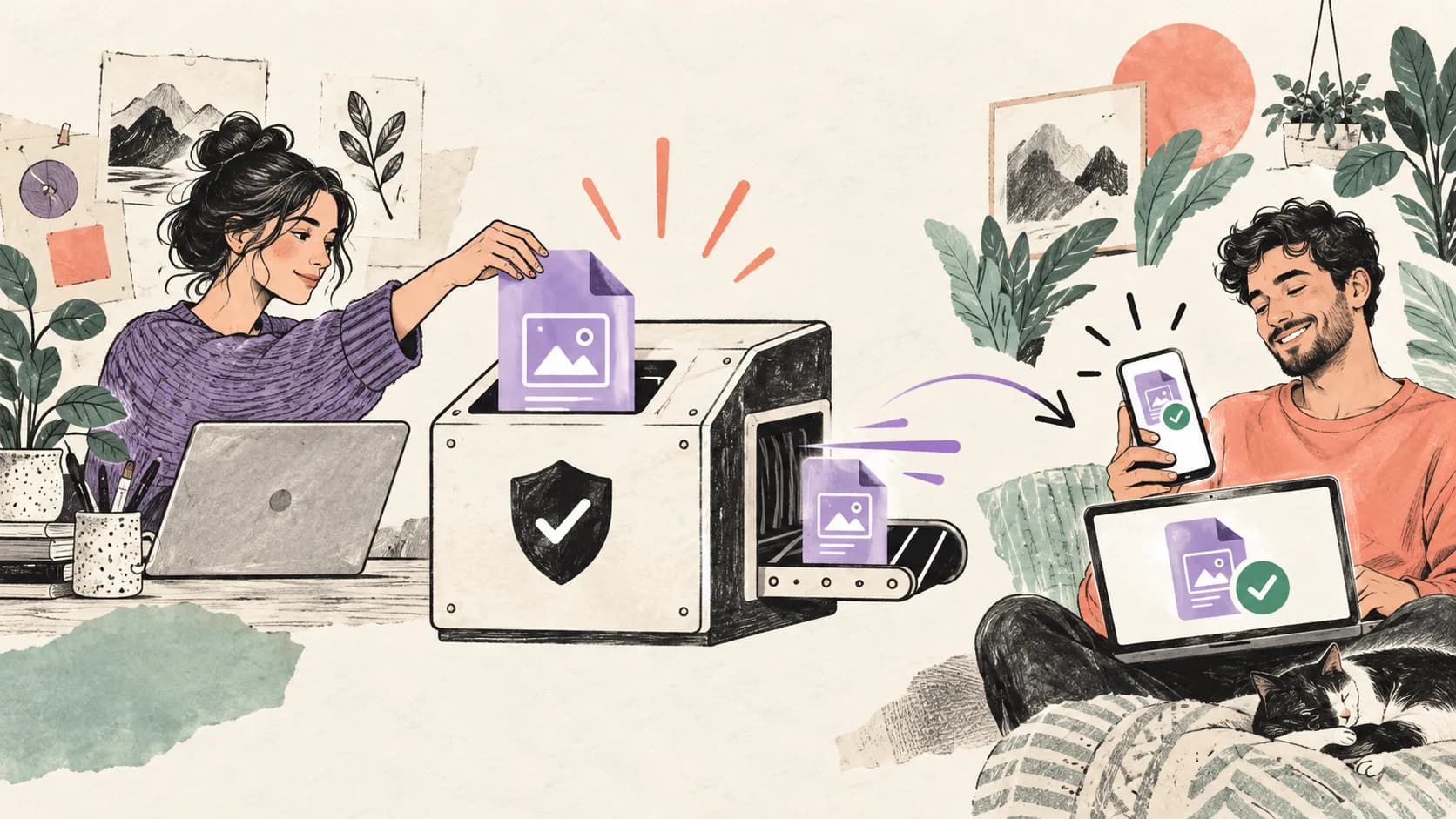
To deliver a digital download automatically, use a commerce provider that can verify payment, grant access, send a receipt, and let the buyer recover the file later. Upload the final files there, define access and license terms, connect the product page to its checkout, and complete test purchases on mobile and desktop before launch.
A reliable delivery has more than one link
The buyer needs an immediate confirmation, a working access page, a receipt they can find later, and a support route when something fails. Automation removes repetitive work only when recovery, updates, analytics, and refunds are designed alongside the first download.

Map the complete delivery system
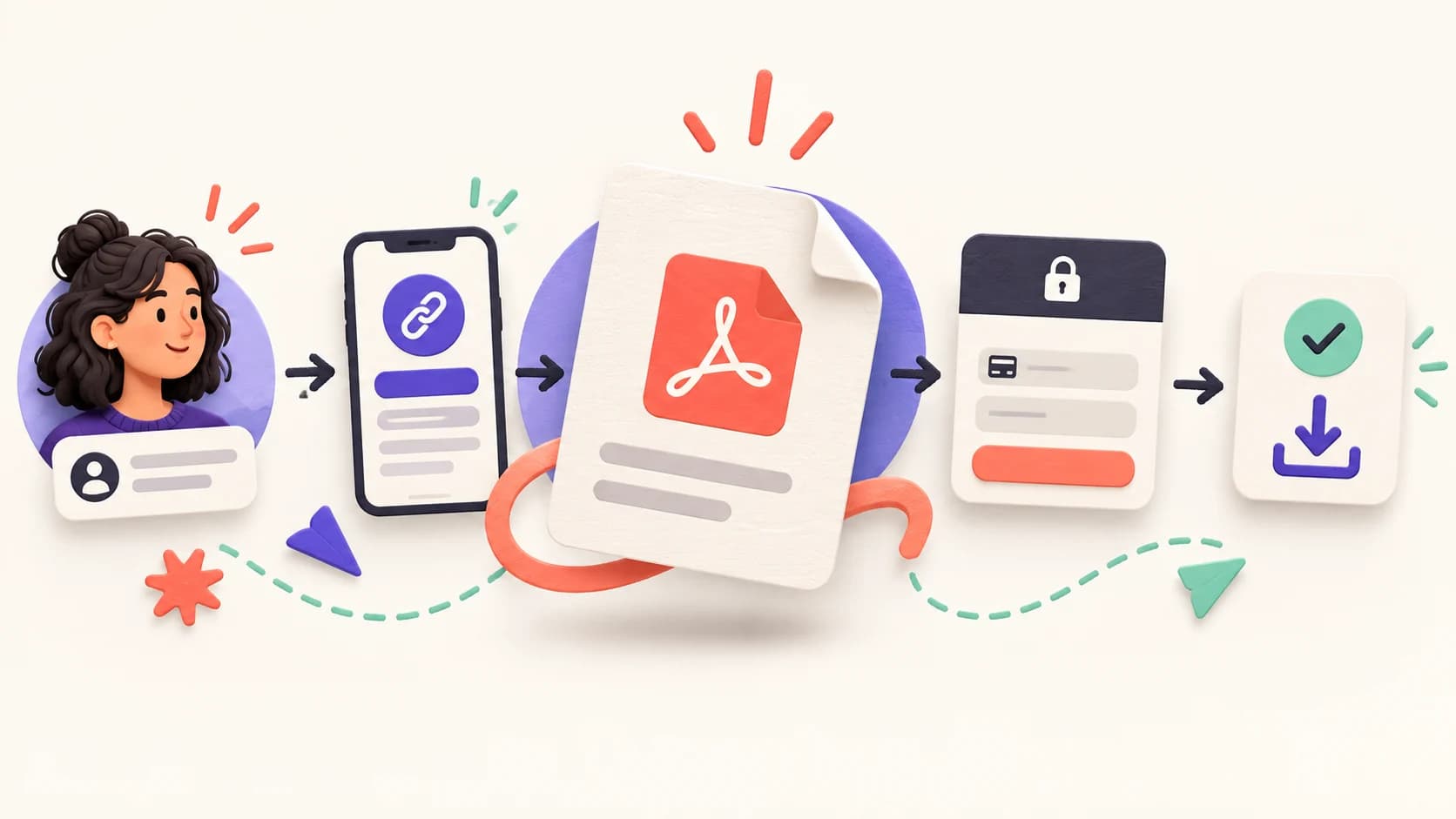
Automatic delivery begins before checkout and continues after the first download. Map the product page, checkout, payment confirmation, access page, receipt, file storage, repeat access, updates, analytics, refund handling, and support. Assign one system as the source of truth for each step. Otherwise a buyer can pay in one place while the file or customer record lives somewhere unrelated.
| Stage | Buyer needs | Test evidence |
|---|---|---|
| Offer | Clear format, contents, license and requirements | Preview matches the final files |
| Checkout | Trusted payment with visible total | Test payment reaches confirmation |
| Receipt | A durable route back to the purchase | Message arrives and links work |
| Access | Fast download on the intended devices | Files open on mobile and desktop |
| Recovery | A way to regain access | Past buyer can retrieve the purchase |
| Support | A visible contact and response expectation | A test request reaches the right inbox |
Choose where payment and delivery happen
The simplest setup uses one external commerce provider for both payment and file access. Evaluate supported file types and sizes, currencies, taxes, receipts, download limits, license keys, customer recovery, refunds, analytics, integrations, and total fees. Verify features on the provider’s current documentation rather than a comparison screenshot.
A Sell Bio page can explain the product and link to an external product URL such as a genuine Gumroad page. In that path, Gumroad handles its checkout and delivery. Gumroad’s documentation explains that buyers can regain access from the email receipt, product page, or library in its purchase access guide. Sell Bio does not become the file host or merchant for that external transaction.
Keep responsibilities explicit
Write down which service owns payment, taxes, receipt, file access, refunds, and customer support. Reflect that reality in the sales page and privacy information.
Prepare files for real devices
Use clear filenames with a product name, language, and version. Remove drafts, private notes, hidden metadata, and unnecessary source files. Scan archives before upload, verify that every link works, and keep an independent backup. If several files belong together, use a well-organized ZIP and include a short start-here document.
Test the format on the devices your audience actually uses. Gumroad notes in its mobile-friendly file guidance that PDF is widely viewable while EPUB can provide a better reflowing reading experience on phones and e-readers. Offer multiple formats only when you can maintain them consistently.
- Use a version number and update date.
- Keep filenames readable after download.
- Check file size on a mobile connection.
- Open every file with a normal buyer account.
- Include accessibility features and alternative formats where relevant.
- Store the editable source and a release backup separately.
Configure access, license, and updates
Decide whether access expires, how many downloads are reasonable, whether account creation is required, and how a customer retrieves the purchase after changing devices. Limits can reduce casual abuse, but strict restrictions also block legitimate buyers. Explain the rules before checkout in plain language.
Attach the correct license to the delivered product. Personal use, client work, resale, redistribution, and commercial use are different rights. State what the buyer may do, not only what is prohibited. If an update replaces an earlier version, tell customers what changed and whether their original purchase includes it.
For EU consumers, digital-content transactions have specific information and cancellation considerations. Consult the European Commission’s Consumer Rights Directive overview and obtain advice for your business and markets. The checkout should capture any consent your legal setup requires; a paragraph in the download file is too late.
Connect the offer page to one checkout
Use one primary purchase button and send it directly to the matching product checkout. The offer page should name the outcome, show a useful preview, list the exact files and formats, state the price and license, and explain what happens after payment. Avoid sending buyers to a generic profile where they must search again.
Keep campaign parameters when the external provider and your privacy setup support them, but never place personal information in the URL. Measure the outbound checkout click separately from the completed purchase. A click proves interest in the next step; it does not prove that payment or delivery succeeded.
Link related educational pages to the offer and link the offer back to useful guidance. This gives search systems context and helps readers choose without aggressive repetition. Google recommends original, substantial, people-first material in its helpful content guidance.
Run a complete delivery test
Use the provider’s test mode or test-purchase feature when available, then perform a controlled real transaction before a major launch. Gumroad documents a test purchase process specifically for reviewing the customer experience and downloading the files. Do not test only while signed in as the seller.
- Buy from a phone on a mobile connection.
- Confirm the currency, tax display, and final total.
- Verify the success page and receipt arrive once.
- Open every file and link in the delivered package.
- Recover the purchase from a second device.
- Test an expired or invalid link if the provider uses one.
- Issue a test refund and confirm access behavior.
- Send a support request as a buyer.
- Check that analytics records the correct events without duplicates.
Ask someone unfamiliar with the setup to complete the test without instructions. Observe where they hesitate. Fix the largest failure first, repeat the purchase, and keep a dated checklist. A successful download on the seller’s laptop is not sufficient evidence.
Monitor delivery and design recovery
Track completed purchases, delivery failures, receipt bounces, download errors, duplicate messages, refunds, and support contacts. Do not collect more personal data than needed. Establish an alert for a sudden change and keep a manual fallback that verifies a purchase before resending access.
Write short support answers for missing receipts, mistyped email addresses, blocked ZIP files, unsupported formats, expired links, and device changes. Recovery should be safe but understandable. Never ask buyers to send card details or passwords. When a provider incident occurs, update the status message and preserve a record of affected orders.
Automation still needs ownership
Name the person who checks failures, updates files, answers buyers, and verifies that the provider still matches the public promise. A forgotten workflow is not reliable automation.
Frequently asked questions
Can I email the file as an attachment?
You can, but attachments can hit size limits, be forwarded easily, and become outdated. A managed access page usually gives buyers a better recovery path.
Should download links expire?
Use a policy that balances legitimate recovery with abuse prevention. Explain it before purchase and provide a support path for verified customers.
Do I need a separate website?
No. A focused Sell Bio offer page can direct buyers to an external checkout that processes payment and delivers the files.
What happens when I update the product?
Keep a version log, replace or add the correct files, test access again, and notify eligible buyers through the provider you actually use.
Which delivery metric matters most?
Completed payment plus confirmed access is the core outcome. Monitor refunds and support contacts as signals that delivery or expectations need improvement.
Test delivery before sending traffic
Explain the product on Sell Bio, connect the correct external checkout, and verify receipt, download, recovery, and analytics on mobile. Compare Sell Bio plans.
Ready to turn followers into customers?
Run your bio page, lead forms, bookings, checkout and email campaigns in one place. Test what converts without stitching five apps together.