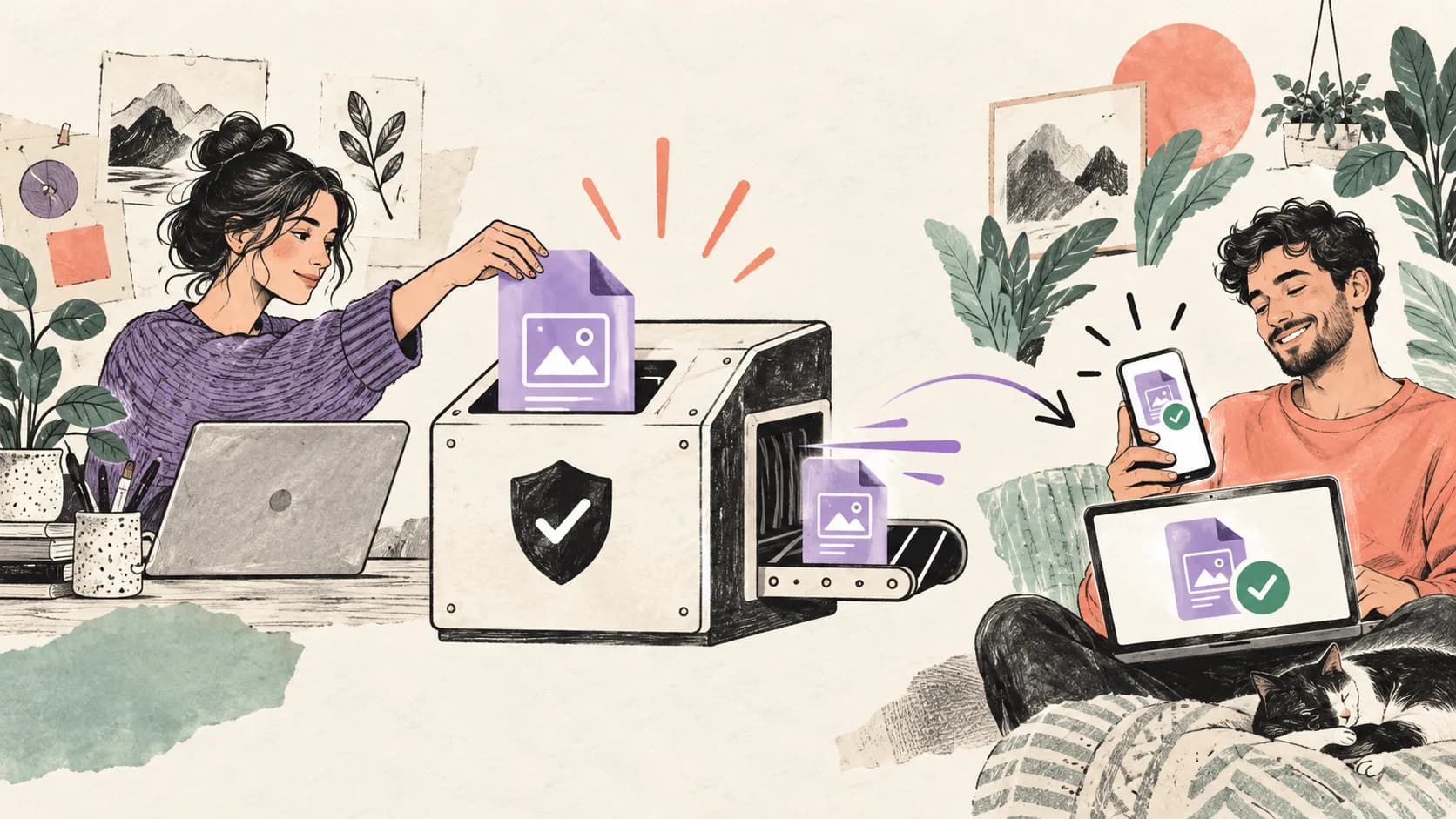
How to Sell a PDF Online: A Practical 2026 Guide
Learn how to prepare, price, deliver, and promote a PDF online. Build a clear purchase path, test every step, and measure completed sales reliably.
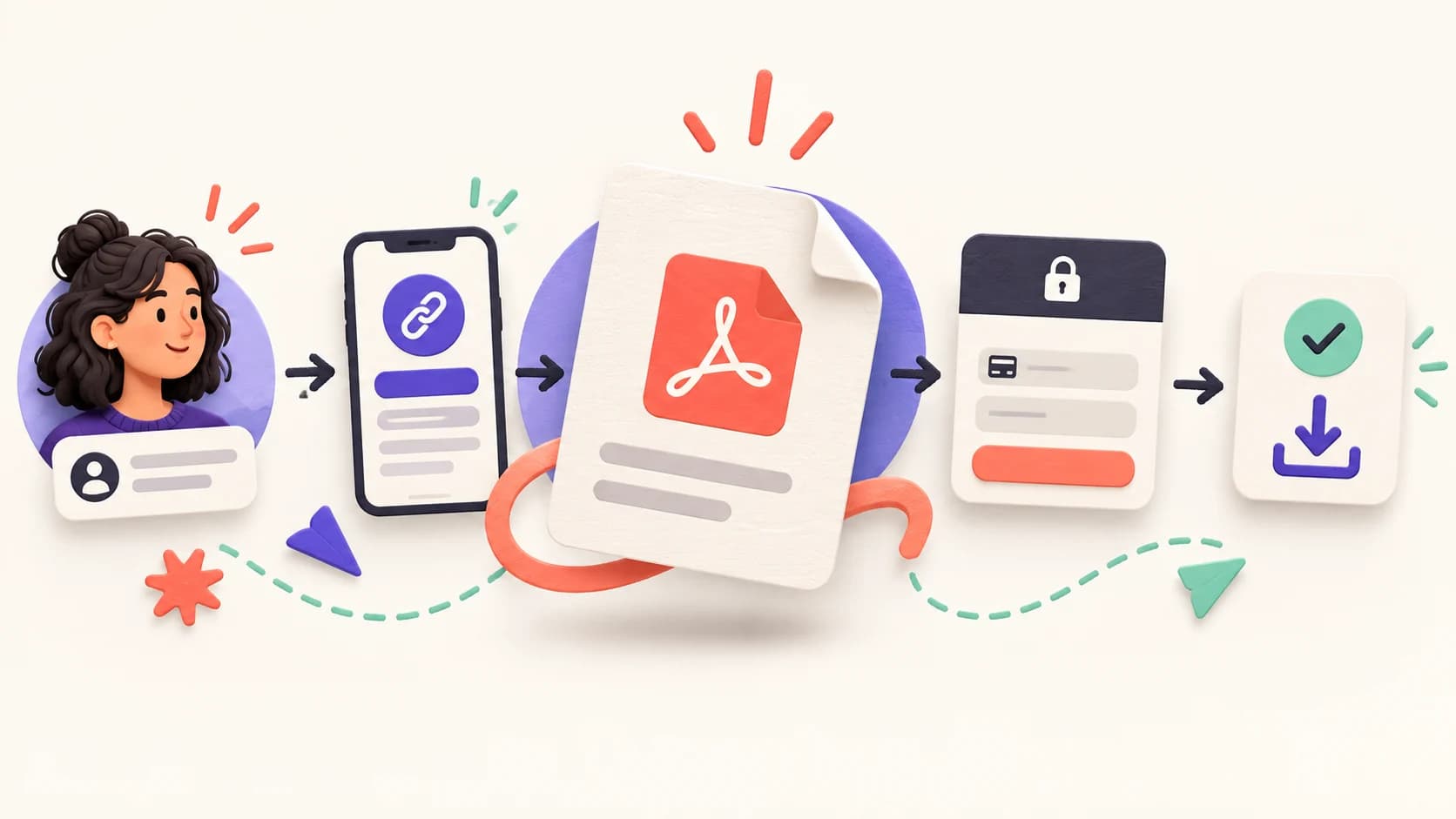
To sell a PDF online, you need a useful document, a payment and delivery provider, a focused sales page, and a reliable route from discovery to download. The provider processes the transaction; your bio link or landing page explains the outcome and sends the right visitor to the offer. Test the complete route before promoting it.
The short version
Create one PDF for one specific reader and problem. Show what is inside, state the price and usage terms, connect a trusted external checkout, complete a test purchase on mobile, and measure purchases separately from page views and button clicks.

What you need to sell a PDF online
A PDF sale has five parts: the file, the promise, the payment, the delivery, and the follow-up. Treating these as one system prevents the common situation where a polished document is attached to a confusing buying experience.
| Part | Decision to make | Proof before launch |
|---|---|---|
| File | What result does the reader get? | A second person can use it without your help |
| Offer | Who is it for and what is included? | The sales copy matches the actual pages |
| Payment | Which provider supports your market? | A test or low-risk purchase completes |
| Delivery | How does the buyer receive access? | Confirmation and download both arrive |
| Measurement | What counts as success? | Purchases are separated from clicks |
You can sell from a dedicated website, a marketplace, or a creator-commerce provider. You can also place the route on a SellBio page. If you use Gumroad, add the genuine Gumroad product URL; Gumroad remains responsible for checkout and delivery.
Prepare a PDF people can use
Start with the job the buyer wants to finish. “Client onboarding checklist for freelance designers” gives the reader a clearer outcome than “The ultimate business guide.” Write the scope on the first page: intended reader, result, prerequisites, and what the document does not cover.
Make the document searchable and accessible. Use real headings, a logical reading order, descriptive links, sufficient contrast, and alternative text for meaningful figures. Avoid turning every page into a flat image. Adobe explains that tagged structure supports screen readers and can also improve how a document reflows on smaller screens in its PDF accessibility documentation.
Before export, check permissions for fonts, photographs, templates, and quoted material. Add a version number and contact address inside the file. Use a stable filename such as client-onboarding-checklist-v1.pdf; a buyer should recognize it months later in a downloads folder.
Finally, compress the file without making diagrams unreadable. Open it on a phone, tablet, and desktop. Test internal links, copy and paste, search, printing if allowed, and every worksheet field. A PDF that looks good only in the design tool is not ready to sell.
Choose price, checkout, and delivery
Price should reflect the problem, specificity, and usable value rather than page count. A five-page checklist that prevents an expensive mistake may be more valuable than a generic hundred-page ebook. Compare nearby alternatives, but decide with your own audience and support burden in mind.
Choose a provider by the complete workflow: supported seller countries, buyer payment methods, payout timing, taxes, invoices, refunds, fraud controls, file limits, email delivery, customer export, and total fees. Confirm changing details on the provider’s official documentation before publishing them.
State exactly what the buyer receives: file format, page count, language, update policy, personal or commercial-use licence, and support channel. Do not copy a blanket “no refunds” line. Consumer rights vary by market, and digital content can have specific information, consent, and withdrawal requirements. The European Commission’s Consumer Rights Directive overview is a useful starting point for EU sales; obtain appropriate advice for the markets you serve.
Build the purchase path
The strongest page answers four questions in order: Is this for me? What will I be able to do? What exactly is included? What happens after payment? Put the PDF cover and two or three representative spreads near those answers. Show real pages rather than a decorative mock-up alone.
Use one primary action. If visitors arrive from an educational post, a short explanation may be enough. If the PDF solves several different needs, ask one qualifying question and route each answer to the most relevant offer. Avoid placing unrelated social links between the promise and the purchase button.
On SellBio, build the page around the visitor’s decision and link to the external purchase destination. Keep the button label concrete, such as “See the workbook and price,” when checkout happens on another service. This sets the right expectation and avoids presenting an external transaction as native.
Add a concise trust block: creator name, relevant experience, last update, support address, secure provider, and policy links. Testimonials should identify the result and context, and only appear with permission. If you have no evidence yet, show the method and sample pages instead of inventing social proof.
Test before you publish
Run the same journey a buyer will use. Begin inside the social app, open the bio link, reach the offer, pay through the provider’s supported test process, receive the confirmation, download the file, and open it. Repeat on mobile data if social traffic is central to the plan.
Test failure states too: declined payment, mistyped email, expired link, duplicate purchase, refund request, and a buyer who cannot open the document. Record who handles each case. The support path should be visible in the receipt and inside the PDF.
Use this release checklist:
- The title and preview match the delivered file.
- Price, currency, taxes, and fees are clear before payment.
- Policy and licence links work on mobile.
- Confirmation and delivery reach a new email address.
- The download opens and remains readable on a small screen.
- Analytics records the external click without calling it a sale.
- A completed purchase can be reconciled in the payment provider.
Promote your PDF without spamming
Build content from the problem, not repeated purchase announcements. Teach one useful step, show a mistake, demonstrate a page from the PDF, or explain who should not buy it. Each post should stand alone and lead naturally to the deeper resource.
Create several entry points: a tutorial for informational intent, a checklist preview for practical intent, a case example for evaluation, and a direct offer for people already asking how to get the resource. Tag the links by platform and campaign so Instagram, TikTok, YouTube, email, and partners can be compared without guessing.
Do not promise income from the PDF or use manufactured urgency. A real deadline is a live workshop date, a scheduled price review, or a time-limited bonus you will actually remove. Evergreen products need clarity more than a permanent countdown timer.
Measure and improve the offer
Separate the funnel into visits, offer views, outbound checkout clicks, completed purchases, refunds, and support requests. An external click is not revenue. Use the payment provider as the source of truth for completed transactions and reconcile it with your page analytics.
When traffic is small, inspect the journey before declaring a conversion rate. If few visitors open the offer, adjust the promise or placement. If they reach checkout but do not buy, examine audience fit, price clarity, trust, payment methods, and technical failure. If refunds or support requests rise, improve the product description, file, or delivery.
Change one meaningful element at a time and write down the date. A new cover, price, CTA, and traffic source launched together cannot tell you what worked. Keep the winner only when completed outcomes improve over a useful observation period.
Frequently asked questions
Can I sell a PDF without a website?
Yes. You need a public page or profile link that explains the offer and an external provider that processes payment and delivers the file. Confirm that the provider supports your country, currency, tax needs, and preferred payout method.
How do I stop buyers from sharing the PDF?
You cannot guarantee that a downloaded file will never be shared. Use clear licence terms, buyer-specific delivery where appropriate, reasonable access controls, and a product good enough that legitimate updates and support retain value. Avoid restrictions that make the file unusable for paying customers.
Should I sell a PDF or collect emails first?
Sell directly when the reader already understands the problem and the PDF offers a clear, low-friction solution. Collect an email first when the decision needs education, the offer is expensive, or the visitor is early in the journey. Test both paths with completed outcomes.
What should the sales page include?
Include the reader, outcome, contents, sample pages, format, language, price, licence, update policy, delivery method, creator identity, support, and refund or withdrawal information relevant to the market. Make the next action obvious on mobile.
Build the route before sending traffic
Prepare the file, verify the external checkout and delivery, then use SellBio to present a focused path to the offer. Review SellBio plans and publish only after the full mobile journey works.
Ready to turn followers into customers?
Run your bio page, lead forms, bookings, checkout and email campaigns in one place. Test what converts without stitching five apps together.