Turn Your LinkedIn Profile Into a Client Funnel
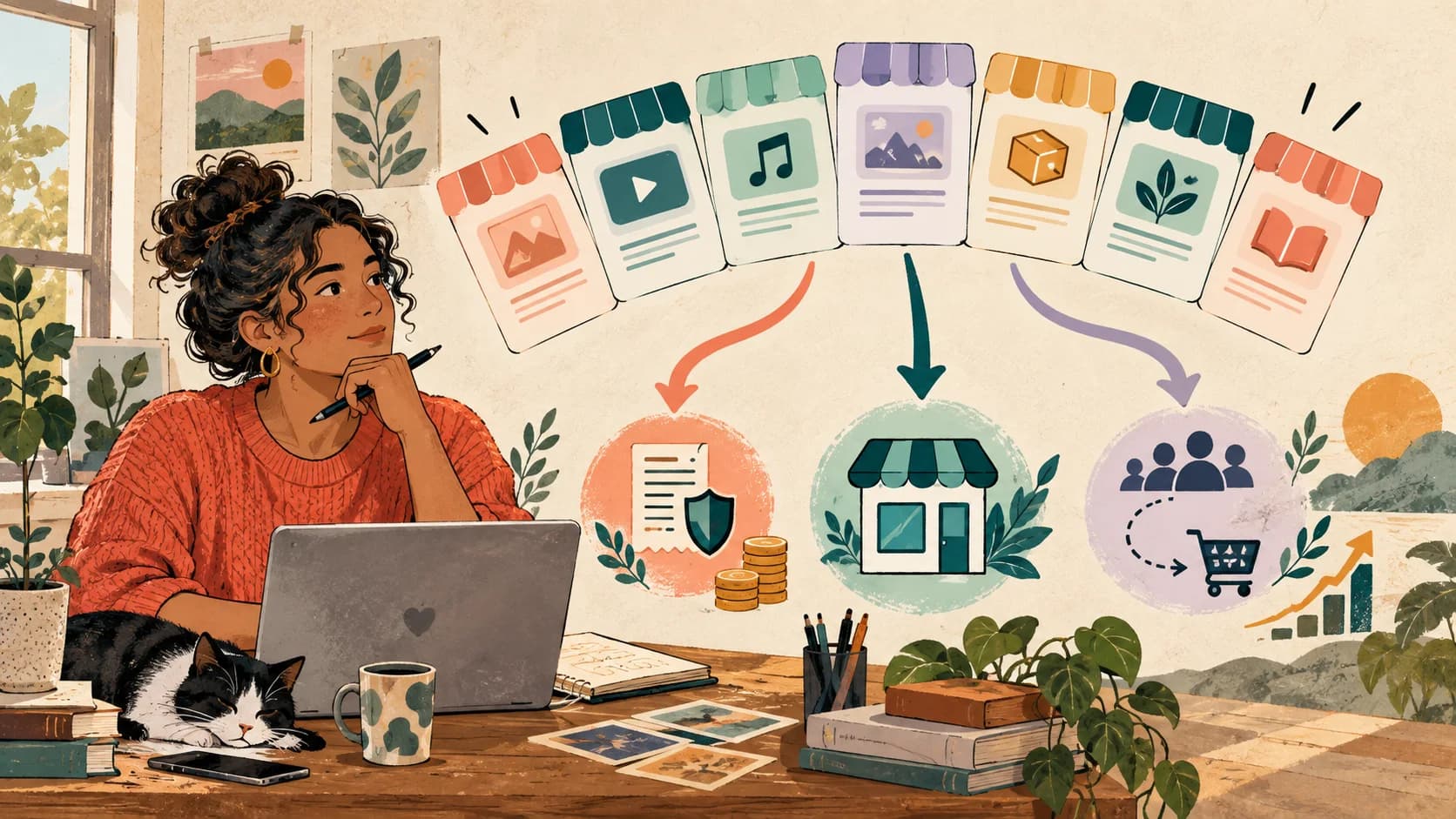
Turn your LinkedIn profile into a client journey: choose one next action, explain the offer and route visitors without sending them to a link list.

Your LinkedIn profile gets visits. You have connections. You post content. But when someone clicks your profile link, what do they find? Probably a link to your website, or worse, a generic Linktree with five static links.
The real problem
LinkedIn doesn't allow multiple links in your bio. You only get one. And most people waste it with a list of links without context, without personalization, without data capture.

If you're a recruiter, seller, freelancer, coach, or founder, your LinkedIn link is your only chance to convert visits into clients. This article shows you how to turn that single link into a conversion machine, using specific strategies for each professional role.
🔍 Why Your LinkedIn Link Doesn't Convert
The problem isn't your content or your profile. The problem is that you treat your LinkedIn link as a web directory, not as a conversion funnel.
The 3 most common mistakes:
- You send everyone to the same place without personalizing by need
- You don't capture data from who clicks (name, email, interest)
- You don't measure what works or optimize the flow
Public benchmarks vary by audience, intent, and measurement method. Use your current conversion rate as the baseline, tag each traffic source, and keep a change only when completed outcomes improve.
LinkedIn is a professional network. People expect professional experiences, not a link that looks like it came from Instagram. Your link should reflect your profile's quality: direct, relevant, conversational.
💡 What Is an Interactive Funnel (and Why LinkedIn Needs It)
An interactive funnel isn't a static landing page. It's a conversation. You ask questions, segment by responses, and guide the user to the right action based on their needs.
Simple example:
- User clicks your LinkedIn bio
- First screen: 'What are you looking for?' → Job | Hire talent | Services
- Based on their answer, they see personalized content
- Capture email before moving to next step
- Specific CTA: schedule call, download portfolio, see openings
Success key
Don't ask just to ask. Every question should help you segment and personalize what you show next. This way each visitor feels the content is for them.
LinkedIn loves this because it's professional, direct, and respectful of the user's time. It doesn't feel like spam, it feels like a thoughtful experience.
🎯 For Recruiters: Filter Candidates From First Click
If you're a recruiter, your LinkedIn link should work for you 24/7. Instead of sending to a page with 'Send us your CV', create a flow that filters candidates automatically.
Example flow for recruiters:
- Screen 1: 'Looking for a job or hiring?' → If looking for job, continue
- Screen 2: 'Are you Junior or Senior?' → Segment by experience
- Screen 3: 'What sector do you work in?' → Tech, Marketing, Finance, etc.
- Screen 4: Show only relevant openings for their profile
- Screen 5: Contact form with custom fields
Result
You no longer receive generic CVs. Only pre-qualified candidates who already answered key questions before applying. Massive time savings.
Plus, you can use analytics to see which profiles are most common, where they drop off, and optimize your flow. A recruiter who measures, improves.
📈 For Sellers: Qualify Leads Before the Call
If you work in B2B sales, you know LinkedIn is gold. But most sellers send their link to a generic page or directly to a calendar to schedule calls. Mistake.
A prospect who arrives without context to your calendar is a prospect who probably isn't ready to buy. You need to qualify them first.
Example flow for B2B sellers:
- Screen 1: 'What brings you here?' → Want to learn more | Already interested | Just curious
- Screen 2: 'What's your role?' → CEO/Founder, Manager, Individual
- Screen 3: 'Company size?' → Freelancer, 1-10, 10-50, 50+
- Screen 4: Personalized content: case study, demo, pricing
- Screen 5: CTA based on qualification → Schedule demo | Download white paper | Direct contact
Pro tip
Not everyone qualifies for a demo. Segment: curious go to educational content, interested see use cases, and decision-makers go straight to the calendar.
Result: you arrive to calls with context. You know what they're looking for, their role, company size. And they're already pre-sold because they saw relevant content.
💼 For Freelancers and Creators: Show Relevance, Not Everything at Once
If you're a freelancer or professional content creator on LinkedIn, you have multiple offers: services, courses, consulting, free content. Showing everything at once is overwhelming.
The solution: ask first, show later.
Example for freelancers (designer, copywriter, consultant):
- Screen 1: 'What do you need?' → Hire services | See portfolio | Just browsing
- Screen 2 (if hiring): 'What type of project?' → Branding, Web, Content, etc.
- Screen 3: Show only relevant cases for that project type
- Screen 4: Brief contact form (name, email, optional brief)
- Screen 5: Schedule a call or download your media kit
Real impact
A client arrives from LinkedIn and in 2 minutes has already seen your best work, answered 2-3 questions, and left their contact. You have their email and context. It's a conversation, not a cold form.
For creators selling courses or info products: segment by experience level (beginner vs advanced) and show testimonials or free content before taking them to the sale.
🎓 For Coaches and Consultants: Qualify Before Giving Away Your Time
If you offer coaching or consulting, your biggest resource is your time. Giving away discovery calls to anyone who reaches your calendar is inefficient.
Use your LinkedIn link to pre-qualify. Before allowing them to schedule, have them answer key questions.
Ideal flow for coaches:
- Screen 1: 'What are you looking for?' → 1:1 Coaching | Group programs | Just information
- Screen 2: 'Where are you now?' → Describe current situation in 1-2 sentences
- Screen 3: 'What do you want to achieve?' → Define goal
- Screen 4: Offer a free resource (checklist, mini-course, PDF)
- Screen 5: If they qualify → Schedule call. If not → Newsletter or educational content.
Smart filter
If they respond with very vague messages or aren't ready to invest, redirect to free content. Only those who show commitment reach your calendar.
Result: fewer calls with curious people, more sessions with qualified potential clients. And everyone who doesn't qualify now stays on your list to nurture later.
🚀 For Founders: Interactive Pitch Better Than PDF
If you're a founder and use LinkedIn to capture investors, partners, or early adopters, sending a PDF pitch deck is boring. Why not create an interactive pitch?
Example for founders:
- Screen 1: 'What interests you?' → Invest | Collaborate | Try the product
- Screen 2: Problem you solve (visual, clear, impactful)
- Screen 3: Solution (quick demo or explainer video)
- Screen 4: Traction (key metrics, client logos)
- Screen 5: CTA based on interest → Schedule pitch | Beta access | Newsletter
Competitive advantage
An investor who sees your pitch in this interactive format remembers your startup 10x better than if you send them a PDF by email. It's memorable, it's modern, it's professional.
Plus, you can see analytics: how many investors arrived, how many saw your traction, where they drop off. Data a PDF will never give you.
🔧 How to Create Your Interactive Funnel for LinkedIn (No Code)

You don't need to know how to code or hire a developer. Modern tools let you create these funnels with drag & drop, like a Canva but for conversion funnels.
Basic steps to build your flow:
- Define your goal: capture leads, schedule calls, sell a product?
- Map the key questions that help you segment
- Create screens: each should have a clear purpose
- Connect with conditional logic: if they answer X, show Y
- Add data capture at the right moment (not at the beginning)
- Publish and test from mobile (most come from LinkedIn app)
Design tip
LinkedIn is professional, so your funnel should be too. Use clean design, serious typography, corporate colors. No excessive GIFs or emojis.
Once live, review metrics weekly: conversion rate per screen, drop-off points, traffic source. Optimize what doesn't work.
🆚 LinkedIn vs Instagram: Why the Approach Must Be Different
Although both are social networks, user behavior is completely different. On Instagram they look for inspiration, entertainment, community. On LinkedIn they look for opportunities, solutions, professional connections.
Key differences:
- Instagram: More visual, emotional, fast flows
- LinkedIn: More direct, professional, ROI-focused flows
- Instagram: Soft CTAs ('Join the community', 'Download free')
- LinkedIn: Clear CTAs ('Schedule demo', 'See pricing', 'Hire')
Golden rule
On LinkedIn, get to the point. Don't make 10 narrative screens. Ask the essentials, show value quickly, and give the option to convert in 3-5 clicks max.
Tone also matters. On Instagram you can be casual, use emojis, emotional storytelling. On LinkedIn, use a professional but human tone. No empty corporate jargon.
✅ Your Next Step: Turn Your LinkedIn Link Into an Asset
Your LinkedIn link shouldn't be a forgotten link on your profile. It should be your best salesperson 24/7: qualifying leads, scheduling calls, capturing emails, segmenting audiences. All automatically.
Start today
SellB.io allows you to create interactive funnels without code. Designed for LinkedIn. With lead capture, conditional logic, integrated analytics. One tool, multiple use cases.
It doesn't matter if you're a recruiter, seller, freelancer, coach, or founder. What matters is that you stop wasting your only link. Turn visits into conversations. And conversations into clients.
Remember:
- Don't put a link. Put a conversation.
- Don't show everything to everyone. Personalize by need.
- Don't let them leave without capturing data.
- Don't assume it works. Measure and optimize.
Related reading
- SellB.io for freelancers — How freelancers use SellB.io to get clients from their social profiles.
- What is Lead Capture — Definition and strategies for capturing leads from your single bio link.
- SellB.io vs Linktree for LinkedIn — Why an interactive funnel converts better than a link list.
Ready to turn followers into customers?
Sell products, capture leads, take bookings, and guide every visitor from one link.