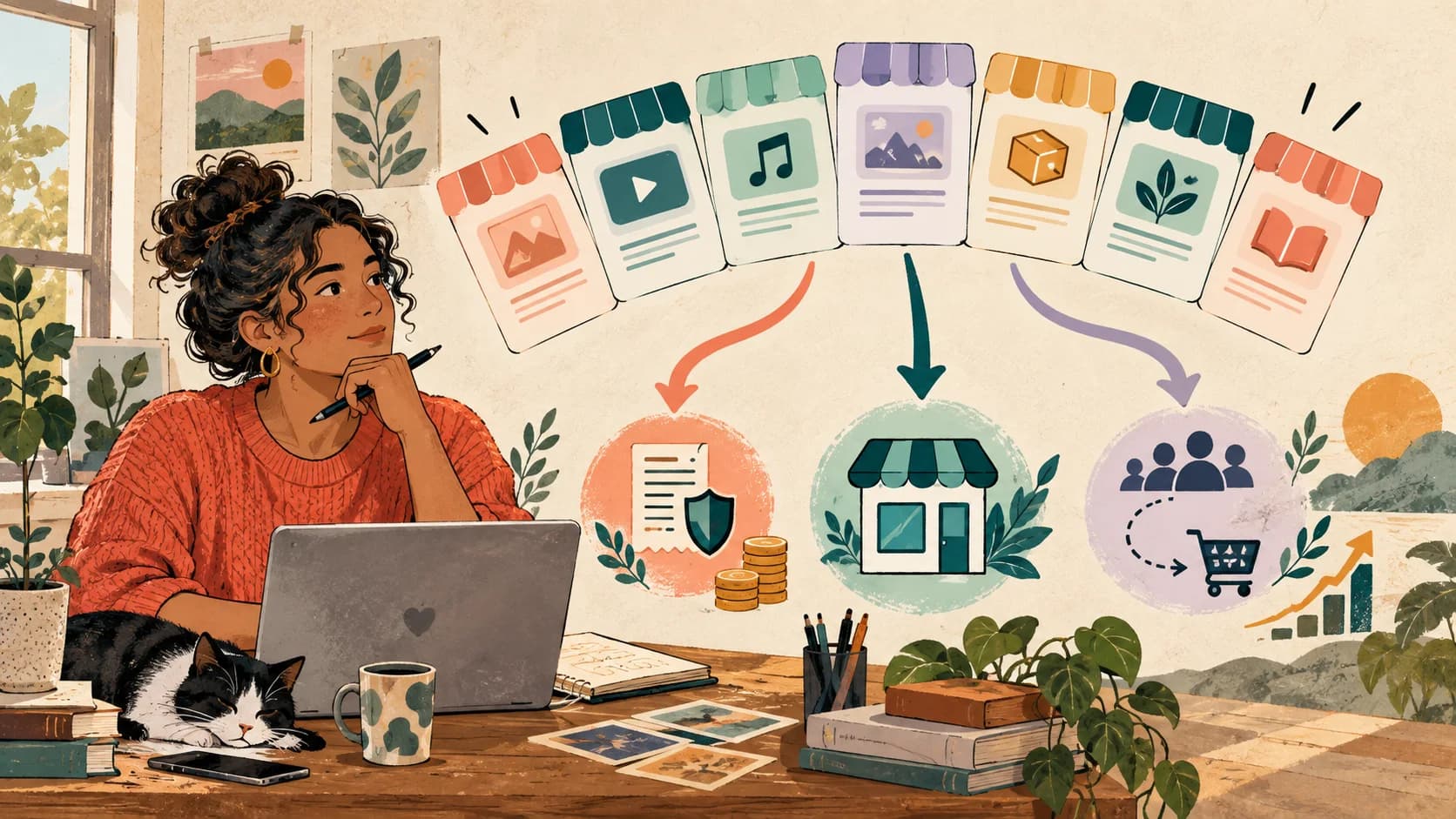
Link in Bio With Checkout: Sell Without a Website
Sell directly from your bio link with native checkout — no Shopify, no website, no funnel. Here's how it works, why it converts, and how to set it up in minutes.
You don't need a website. You don't need Shopify. You don't need a separate landing page or a conversion funnel that lives somewhere else. A bio link with native checkout lets you sell directly from your social bio — the visitor taps, sees the product, pays, and gets it. No redirects, no friction, no abandoned carts halfway through someone else's checkout flow. This guide covers exactly what bio link checkout is, why it consistently outperforms the website-redirect path for social-first creators, and how to set it up.
What you'll learn
What "link in bio with checkout" actually means in 2026, why it converts better than the redirect-to-website path, what you can and can't sell this way, and the exact steps to start taking payments from your bio link this week.

What link-in-bio checkout actually means
In a traditional bio link setup, the flow looks like this: visitor taps your bio link → lands on a page with several links → picks a link → gets redirected to your website or Shopify store → sees the product → goes through your store's checkout. That's five steps, three different pages, and at least two redirects. Drop-off compounds at every step.
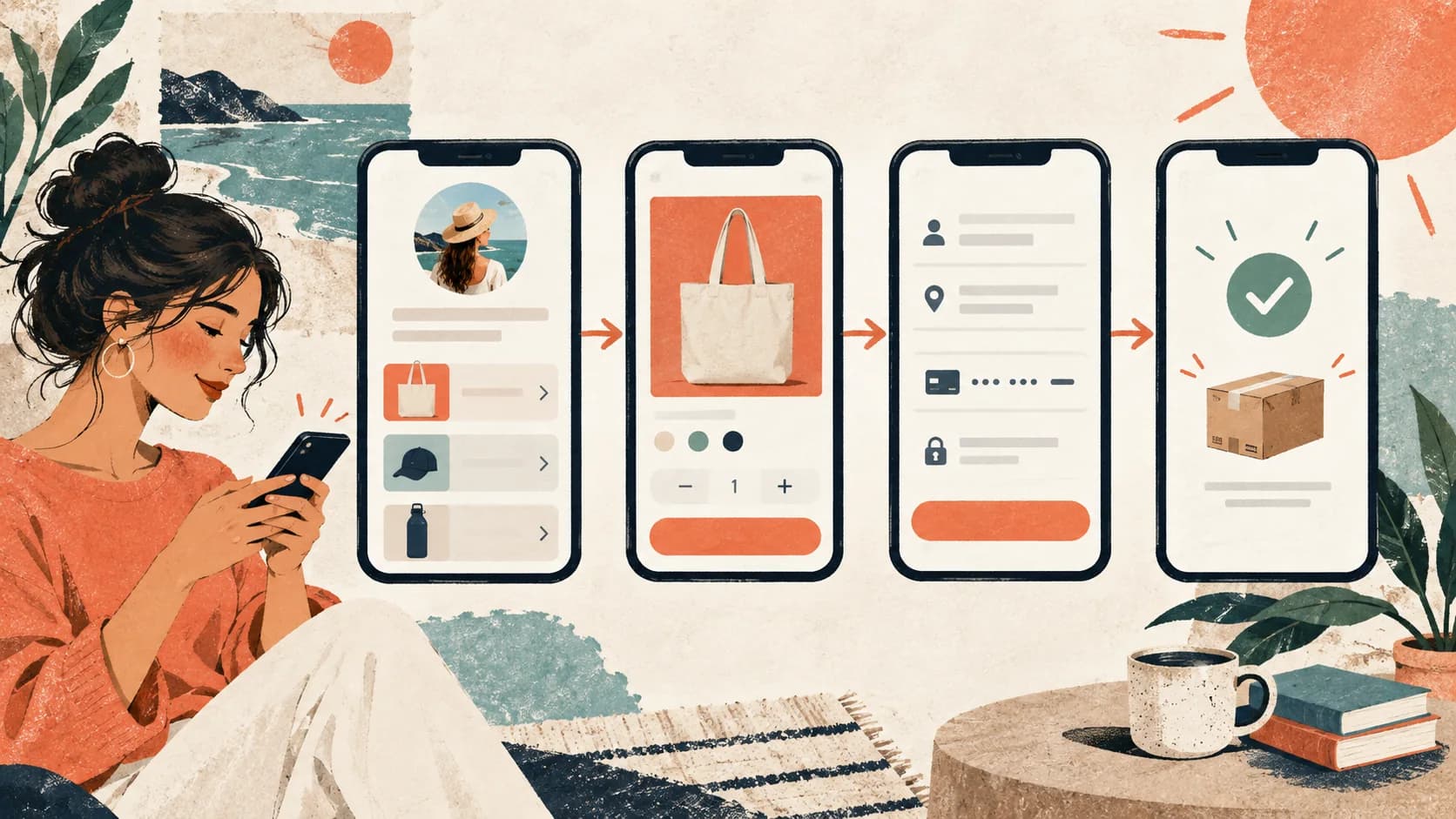
A bio link with native checkout collapses all of that into one flow. The visitor taps your bio link → sees the product → pays → gets the product. Three steps, one place, no redirects.
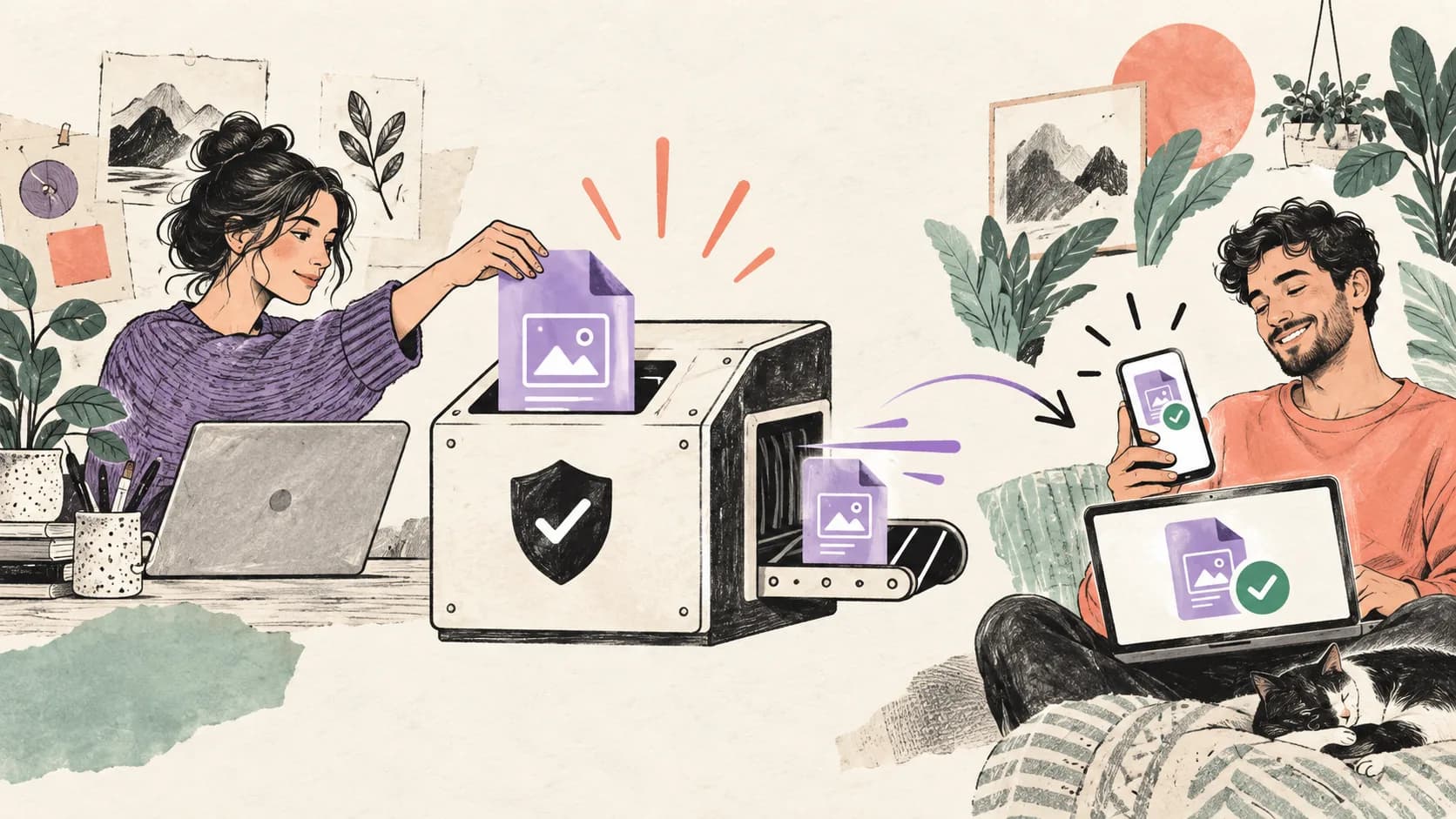
The mechanics are simple. The bio link tool integrates directly with a payment processor (typically Stripe), handles the checkout UI inside the bio link itself, and either delivers the product instantly (digital) or captures shipping info (physical). The whole experience feels like a single moment, not a multi-page journey.
This isn't a new idea — it's how creator-economy platforms have been moving for the past few years. What's new in 2026 is that bio link tools have started supporting it natively, removing the need to glue together three different tools (a bio link, a Shopify store, a Stripe checkout link) to do something that should be one feature.
Why it converts better than redirecting to a website
A redirect from a bio link to a website looks like a small thing, but it's actually one of the most expensive transitions in your entire funnel. Here's why.
Mobile friction. Bio link traffic is overwhelmingly mobile. Each redirect on mobile triggers a page reload, a brief flash of white screen, and a re-orientation moment for the visitor. Each of those is a chance to lose attention. Native checkout eliminates the redirect entirely.
Trust break. When a visitor on Instagram taps your bio link and gets sent to a third-party domain, the experience changes. New URL bar, different design, possibly a cookie banner. That's a context switch — and context switches are where buyers get nervous and back out. Native checkout keeps the visitor in a single, branded experience.
Cart abandonment is real. E-commerce platforms typically see cart abandonment rates of 60-70%. Even if your bio link drives 100 people to your Shopify product page, only 30-40 will complete checkout — and that's industry-average. Bio link checkout doesn't have a "cart" in the traditional sense; the buy button leads directly to a one-page payment screen, which dramatically reduces abandonment.
Speed. A bio link checkout flow can complete in 30 seconds. A bio link → website → cart → checkout flow takes 2-3 minutes minimum. On mobile, with social-platform attention spans, that difference is enormous.
The effect depends on the audience, offer, trust signals, page speed, and payment provider. Treat a shorter route as a hypothesis and compare completed purchases, not only button clicks, against your existing path.
For creators who sell digital products from their bio link, this is the single highest-leverage architectural change you can make. It's also one of the dimensions that distinguishes serious bio link tools from link directories — see the Linktree alternatives comparison for which tools support real native checkout vs. which ones just redirect.
What you can sell from a bio link without a store

Native bio link checkout works best for certain product types and not as well for others. Here's the practical breakdown.
Digital products (best fit). Templates, presets, ebooks, guides, courses, mini-courses, downloads, audio tracks, license keys. Anything that can be delivered automatically after payment. This is the sweet spot — no shipping, no inventory, instant delivery, no support overhead.
Services with clear scope (great fit). Coaching sessions, consulting hours, audits, reviews, design templates, customizations. Anything where the deliverable is well-defined and can be triggered by payment. The visitor pays, the booking is created, the work begins.
Subscriptions and memberships (good fit). Patreon-style monthly memberships, premium content access, tool subscriptions. Stripe handles the recurring billing; the bio link delivers access on payment.
Tipping and donations (good fit, simple). Pay-what-you-want, support-the-creator buttons, donation flows. The simplest possible checkout: one button, optional amount, pay.
Low-volume physical products (workable). A small catalog of one or two physical products (a book, a piece of merch) where you can manually fulfill. Shipping address capture happens at checkout. Works fine if you're shipping a few items per week.
Where bio link checkout starts to break down:
Large physical product catalogs. If you have 50+ SKUs with size variants, color options, and complex inventory management, you need a real e-commerce platform. A bio link is wrong tool for this scale.
Marketplace-style multi-vendor commerce. Bio link tools aren't built for "I'm selling other people's products on commission" workflows. Use a real marketplace platform.
Heavy customization workflows. Custom orders that require back-and-forth ("send me your specs and I'll quote you") work better as inquiry-then-invoice flows than as direct checkout.
For everything in the first four categories, bio link checkout is straightforward and outperforms the redirect-to-store alternative. For the last categories, you'll want a different tool.
How to set up and test checkout from your bio link
Start with the provider that will process payment and fulfil the order. Confirm its availability, fees, taxes, refund controls, and delivery options in the markets where you sell.
Step 1 — Create and test the offer with your provider. Add the product, price, confirmation message, delivery method, and policy information. Complete a test purchase using the provider's supported testing process.
Step 2 — Add the destination to SellBio. For Gumroad, add the genuine Gumroad product URL to your page. Gumroad handles checkout and delivery; SellBio presents the route to the offer.
Step 3 — Match placement to intent. Put the destination near the top for visitors already looking to buy, or after a qualifying question when the offer needs more context. See the bio link strategy by platform guide.
Step 4 — Test the full route. On a phone, check page → provider → payment → confirmation → delivery. Also test a failed payment and the support or refund path before sending traffic.
Step 5 — Drive traffic. Mention the product in your social content. Tell people exactly what they'll find ("the template I use for client onboarding — link in bio, $19"). Don't be coy about pricing — surface it in your social copy when possible. Mystery pricing reduces conversions.
Publish only after the complete route works. Setup time varies by provider, account verification, product type, taxes, and delivery requirements.
Start with one product, not a catalog
The mistake most creators make is trying to launch a 5-product mini-store from their bio link on day one. Start with one product. Optimize the flow. Once it's converting consistently, add the second. A focused buy button outperforms a cluttered catalog every time, especially on mobile.
Stripe, PayPal, and payment considerations
A few practical notes on payment infrastructure.
Stripe is the default. Most bio link tools integrate with Stripe first because Stripe handles the most payment methods, supports the broadest geography, and has the cleanest developer integration. If you're choosing between tools, native Stripe support should be a given.
PayPal as an option. Some buyers (particularly outside the US) prefer PayPal. Adding it as a secondary option can lift conversions for international audiences. Not all bio link tools support it natively — check before assuming.
Transaction fees stack up. Stripe charges roughly 2.9% + $0.30 per transaction. The bio link tool may charge an additional fee on top. For low-priced products ($5-15 range), the combined fee can eat 8-10% of revenue. For most digital products, this is fine. For very-low-margin products, do the math first.
Tax handling. Sales tax / VAT is your responsibility. Stripe Tax can handle most of it automatically once configured. For international digital sales, especially in the EU, getting VAT right matters more than people realize. Don't ignore this part.
Refunds and chargebacks. Publish a clear policy before launching and make sure it follows the consumer rules that apply to your business and buyers. Digital products can have specific consent and withdrawal requirements, so obtain local legal or tax advice when needed.
Geographic restrictions. Stripe doesn't operate in every country. If your audience is global, check Stripe's coverage and have a backup plan (PayPal, manual invoicing) for buyers from countries where Stripe isn't available.
Real examples by business type
Coaches. Sell a single coaching session ($150-500) directly from the bio link. The visitor sees "Book a session — $250," pays, and gets a Calendly link delivered automatically. No discovery call, no proposal, no back-and-forth. Works especially well for coaches who already have demand and don't need to nurture before booking.
Designers and creators. Sell a Notion template, a Figma file, or a Lightroom preset pack ($9-49). Digital delivery, instant access, zero fulfillment overhead. This is the most common bio link checkout use case, and the highest-margin.
Course creators. Sell a mini-course ($49-199) as a one-time purchase. The bio link checkout collects payment and grants access to the course platform. Larger flagship courses ($500+) often work better through a longer funnel, but bite-sized mini-courses convert beautifully from a bio link.
Consultants. Sell a "fixed-scope" service — an audit, a strategy session, a teardown — at a fixed price. Removes the awkwardness of pricing conversations and lets visitors who already trust you self-serve. Particularly effective for consultants running productized services.
Photographers. Sell preset packs, editing tutorials, or a photo print directly from the bio. The visual nature of the product is shown right above the buy button, which is exactly the right context.
Small physical product sellers. Sell a book, a single piece of merch, or a limited-run physical product. Capture shipping address at checkout, fulfill manually. Works best for low volume (5-50 sales/month) where you don't need automated inventory.
Real estate agents. Sell paid consultations, area-guide PDFs, or pre-qualification packs. Less common but increasingly used by real estate creators building content audiences on Instagram.
The pattern across all of these: a single, well-described product, a clear price, a buy button, and immediate delivery. Don't overcomplicate.
Common objections and how to handle them
"My audience won't pay through a bio link — they'll want to see a real website." Counterintuitively, the opposite is usually true. A clean, branded buy button with a clear product image and price feels more trustworthy than a redirect to a half-finished website. Trust comes from clarity, not from complexity.
"What about returns and refunds?" State the policy clearly before payment and follow the consumer rules in every market you serve. For services, explain cancellation timing and what happens after work begins; for downloads, verify any consent or withdrawal requirements that apply.
"Won't I lose SEO traffic by not having a website?" If you're a creator selling to a social audience, your traffic isn't coming from SEO — it's coming from social media. A bio link checkout doesn't replace a website for SEO; it replaces a website for social traffic, which is a different need entirely.
"What if I need to scale to a real store?" Most bio link tools that support checkout also let you migrate cleanly. Start with bio link checkout. If you outgrow it (50+ SKUs, complex shipping, marketplace dynamics), move to a real e-commerce platform and use the bio link as a feeder. Starting simple costs nothing; you can always upgrade.
"Can I test prices and offers?" Yes — see the A/B testing guide for bio links. Pricing tests are some of the highest-leverage tests you can run. A 10% price increase that doesn't reduce conversion is a 10% revenue lift, instantly.
A bio link with native checkout is the simplest path from social audience to real revenue. No website, no Shopify subscription, no funnel-building course required. Just a product, a price, a buy button, and a payment processor. The infrastructure has finally caught up to how creators actually want to sell — directly, immediately, from the same place their audience already finds them.
Start selling from your bio this week
Use SellBio to build the page and route visitors to the purchase path that fits your offer. If you use Gumroad, add the genuine Gumroad product URL; Gumroad remains responsible for checkout and delivery. Review SellBio plans before publishing.
Related reads
- How to sell digital products from your bio link — The full playbook for templates, presets, courses, and ebooks
- How to make money with your link in bio — Revenue patterns that work for creators with any audience size
- SellBio vs Stan Store — Bio link checkout compared to creator commerce platforms
Ready to turn followers into customers?
Sell products, capture leads, take bookings, and guide every visitor from one link.