What Is a Quiz Funnel? How It Works and When to Use One
Learn what a quiz funnel is, which decision models it supports, when it belongs in a bio link, and how to map questions, routes, results, and goals clearly.
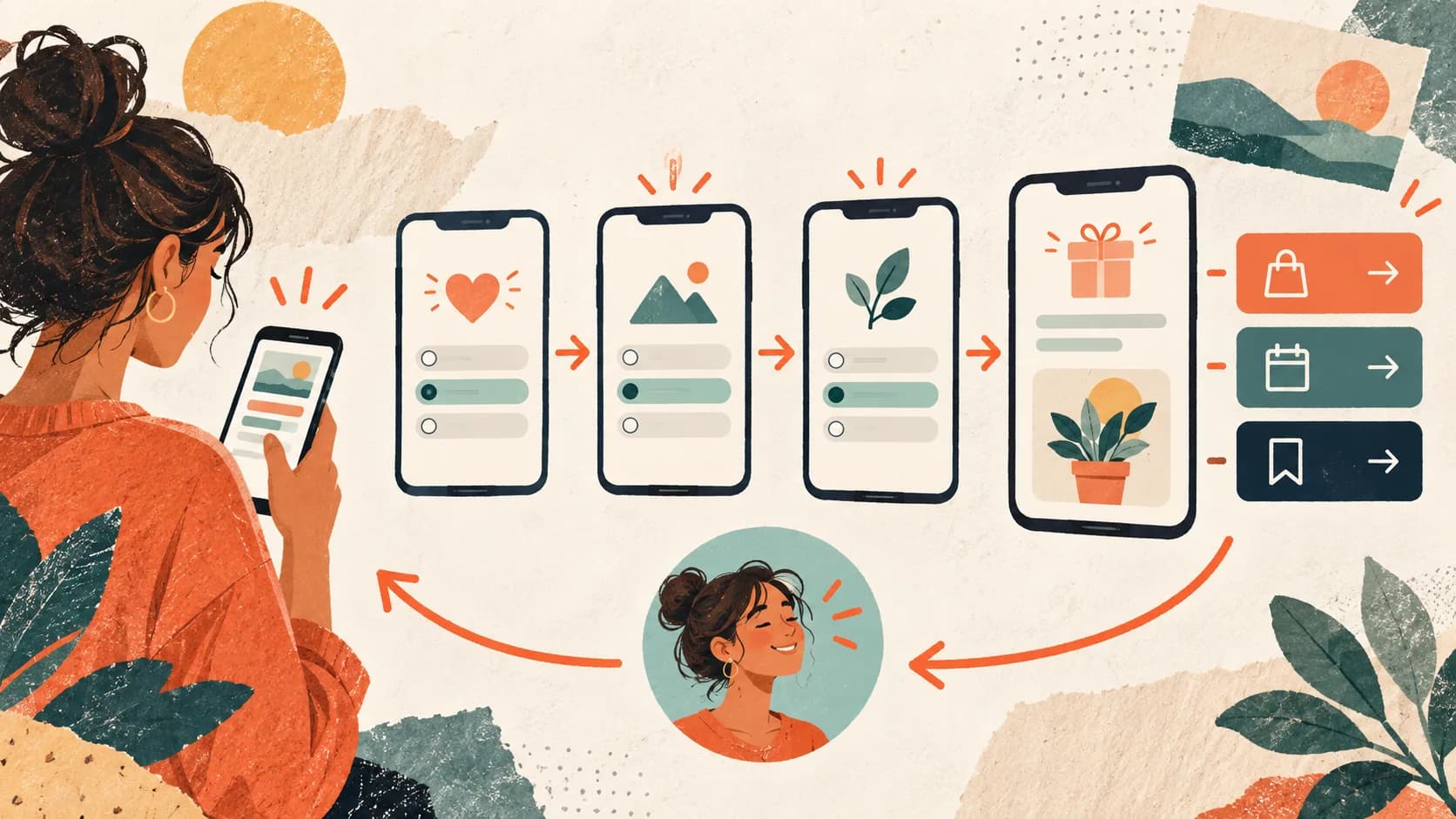
A quiz funnel is a decision system made from questions, routes and outcomes. It can help a visitor choose between relevant next steps, but it adds friction and does not guarantee more leads or sales. This guide explains the model; the separate bio-link quiz writing guide covers wording, capture placement and optimization.
What you'll learn
Learn how quiz funnels differ from forms and link lists, which models solve real decisions, how to map a route, and when a simpler page is the better choice.
What is a quiz funnel and why does it work
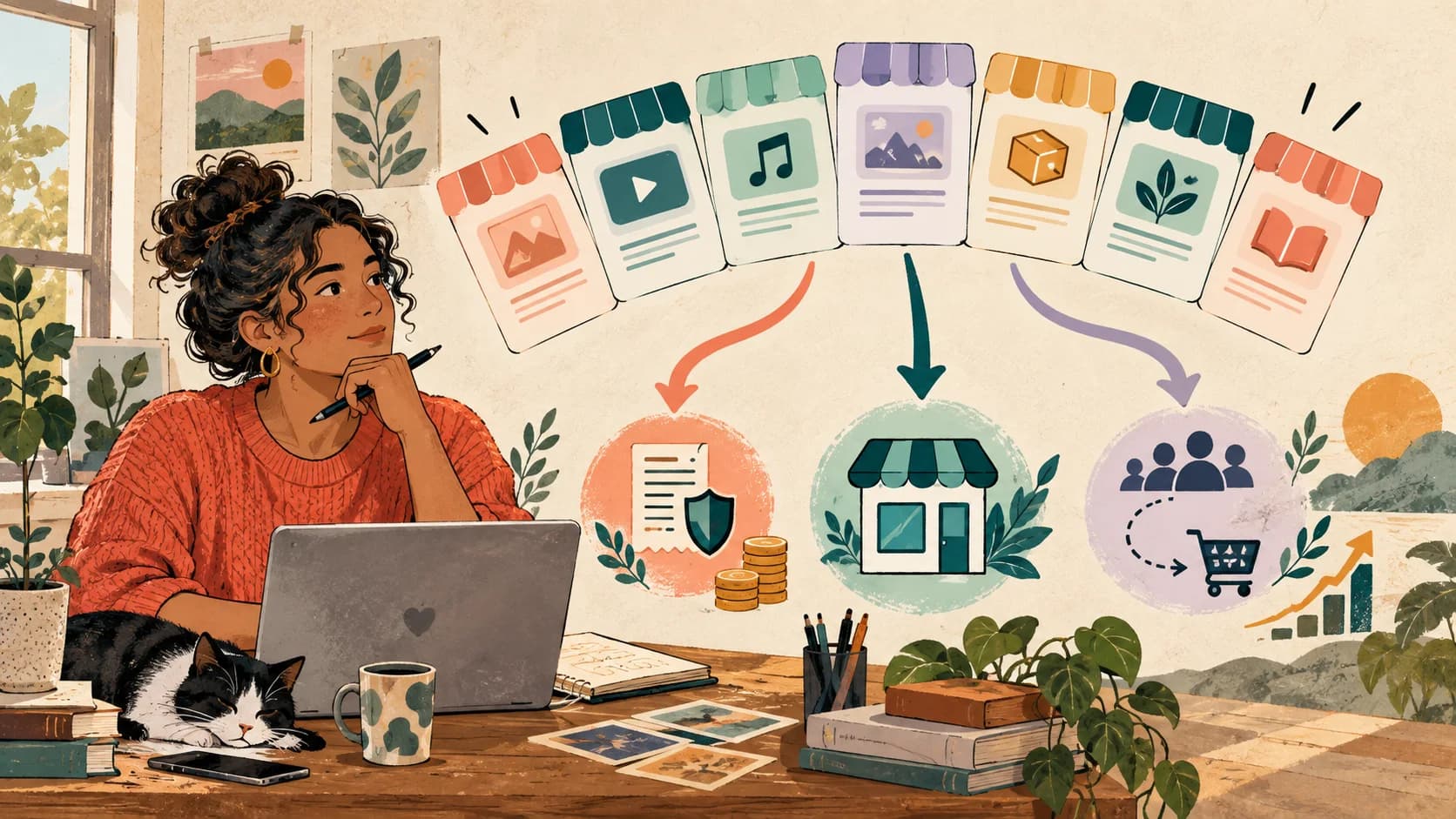
A quiz funnel is a conversion flow that replaces a traditional contact form or link list with a guided, interactive experience. Instead of showing every option and hoping the visitor picks the right one, a quiz funnel asks a series of short questions and uses the answers to route the visitor to a personalized result — a specific product recommendation, a tailored service page, or a lead capture form that already has context about what they need.
The interaction can feel more guided than a link list because the visitor answers one decision at a time. That benefit disappears when questions are decorative, invasive or unrelated to the result.
A quiz is therefore a hypothesis: guided routing may outperform self-selection for this audience and offer. Compare it with the existing experience under similar traffic instead of borrowing a vendor benchmark.
Why a quiz funnel belongs in your bio link
If you're a coach, freelancer, creator, or consultant selling from social media, your bio link is your highest-traffic conversion point. Every piece of content you create — every reel, every post, every story — funnels back to that one link. The question isn't whether you need a bio link. It's whether your bio link is doing anything useful with the traffic it receives.
A traditional bio link is passive. It lists your links and hopes visitors figure out what to do. A quiz funnel inside your bio link is active. It guides visitors through a decision, qualifies them based on their answers, and delivers a result that matches their exact situation.
Here's what that looks like in practice. A fitness coach puts a quiz in their bio link: "What's your biggest fitness goal?" The visitor picks "lose weight," "build muscle," or "improve energy." Based on the answer, the quiz shows a tailored recommendation — a specific program, a free workout plan that captures their email, or a booking link for a consultation. The coach now has a qualified lead with context, not just a profile view that bounced.
This is the difference between a link in bio and a sell in bio. One lists. The other converts.
Audience size is not the deciding factor
The relevant inputs are qualified sessions, a decision worth routing, and enough observations to compare outcomes. A small aligned audience can teach you more than a large stream of mismatched visits.
How a quiz funnel works inside a bio link
A bio link quiz funnel has four core components, and understanding each one helps you build a better one:
The hook screen. State the decision or useful outcome, such as “Find the plan that fits your current stage.” Promise a duration only after timing the published mobile journey.
The question screens. Keep only questions that alter routing, scoring, the result or follow-up. The required number depends on the decision; there is no universal range.
The logic layer. This is what makes a quiz funnel different from a regular form. Based on the visitor's answers, conditional logic routes them to different result screens. Someone who answers "I'm just starting out" sees a different recommendation than someone who answers "I'm scaling my business." This personalization is what drives higher conversion rates.
The result screen. This is where the conversion happens. It can be a product recommendation with a buy button, a lead capture form pre-filled with context from the quiz, a booking page for the right service, or a free resource download. The result feels earned because the visitor went through a process to get it.
The beauty of this approach is that it works entirely within your bio link — no external tools, no redirects, no friction. The visitor taps your bio, takes a quick quiz, and lands on a personalized result. All without leaving the experience.
Map a quiz funnel before building it
Here's exactly how to set up a quiz funnel in your bio link using SellBio's visual funnel builder:
Step 1 — Define your goal. Before building anything, decide what you want the quiz to achieve. Are you qualifying leads for a service? Recommending the right product? Capturing emails for a nurture sequence? Your goal determines how many questions you need and what result screens to create.
Step 2 — Write your questions. Start with the minimum that changes the route. Use distinct answer options, plain language and the same tone as the content that sends visitors here.
Step 3 — Map your paths. Sketch out where each answer combination leads. You don't need a unique path for every possible combination. Group similar answers into 2-3 segments. For example: beginner → free resource, intermediate → starter product, advanced → premium service or booking.
Step 4 — Build the screens. In SellBio, create a Hero screen with your hook question, then add individual screens for each quiz question. Use the visual flow builder to connect them in sequence. Add your result screens at the end of each path — these can be product screens, lead capture forms, or CTA screens with booking links.
Step 5 — Set up conditional logic. This is where the magic happens. In SellBio's advanced mode, connect your question screens to different result screens based on the answers. If someone selects "I sell services" on question 2, route them to the services result. If they select "I sell products," route them to the product result. The conditional logic feature makes this drag-and-drop simple.
Step 6 — Add your lead capture. On each result screen, include an email capture field — even if the primary action is a purchase or booking. "Get your personalized recommendation sent to your inbox" gives visitors a reason to share their email while receiving something valuable.
Step 7 — Publish and connect traffic. Publish the flow, update the relevant bio link and describe the outcome accurately in the content that promotes it. Add UTM parameters when comparing sources or campaigns.
Don't over-engineer your first quiz
Start with the smallest map that can deliver a useful distinction. Add questions or branches only when they improve the decision and can be measured.
Four useful quiz funnel models

Different businesses use quiz funnels in different ways. Here are patterns that work across industries — adapt the one that matches your model:
The service qualifier (coaches, consultants, freelancers). Questions focus on the visitor's situation, budget range, and timeline. Results route to the right service tier or booking page. A consultant's bio link with a quiz like "What kind of support do you need?" can pre-qualify leads so every sales call starts with context instead of cold discovery.
The product recommender (creators, e-commerce). Questions identify the visitor's preferences or needs, then the result screen shows the best-fit product with a buy button. If you sell digital products from your bio link, a quiz like "What's your biggest challenge with X?" leads to the exact template or guide that solves it.
The lead magnet matcher (anyone building an email list). Questions segment visitors by interest or skill level, then the result delivers a tailored free resource. A photographer's quiz might ask "What type of photography do you focus on?" and deliver a genre-specific preset pack. The email capture happens naturally because the visitor wants the result.
The assessment scorer (educators, coaches). Questions test knowledge or readiness, and the result gives a score with a recommendation. "Your bio link readiness score: 6/10 — here's what's missing" feels valuable and naturally leads to the product or service that fills the gap. This approach works particularly well for coaches who qualify leads through their bio.
The personality matcher (lifestyle brands, wellness). Questions explore preferences and habits, and the result assigns a "type" or profile. "You're a Visual Creator — here's the toolkit that matches your style." People love sharing their type, which drives organic traffic back to your quiz.
The common thread across all of these: the quiz makes the visitor feel understood, and the result feels personalized — even though the paths are pre-built. That perceived personalization is what makes quiz funnels convert at rates that static bio links can't match.
Common quiz funnel mistakes and how to avoid them
Asking questions that do not earn their place. Every additional screen creates effort. Remove any question that does not affect routing, scoring, the result or necessary follow-up.
Questions that don't connect to the result. Every question in your quiz should influence the result the visitor sees. If you're asking "What's your favorite color?" but the result doesn't change based on the answer, the visitor will feel like they wasted their time. Remove any question that doesn't affect the path or add genuine value.
Generic result screens. If every path leads to the same "Book a call!" CTA, the quiz feels like a trick. The whole point is personalization. Each result screen should feel tailored — different headline, different copy, different recommendation. Even small differences (mentioning their specific answer in the result) make the experience feel custom.
No lead capture on the result screen. Driving someone through a 3-question quiz and then showing a product page without capturing their email is a missed opportunity. Even if they don't buy today, you want their contact info so you can follow up. Add an email field to every result screen — "Get your full recommendation + a bonus resource" gives them a reason to opt in.
Not promoting the quiz in your content. A quiz funnel only works if people actually take it. Mention it in your content regularly. "I built a free quiz to help you figure out [X] — link in bio" works in posts, reels, stories, and even YouTube descriptions. The more you drive traffic to it, the more leads it generates. This is the same principle behind effective TikTok bio link strategies — your content creates demand, your bio link captures it.
Measuring and optimizing your quiz funnel
Once your quiz funnel is live, you need to track three key metrics to improve it:
Completion rate. Compare starts with finishes and inspect changes over time or between controlled variants. A low result has several possible causes; it does not prove the quiz is too long.
Drop-off points. Compare screen impressions and completions to find where progression changes. Inspect the question, previous promise, answer coverage and technical behavior before assigning a cause. SellBio analytics provides the screen-level signals.
Goal rate and lead quality by path. Compare the configured goal and the quality of contacts for each relevant route. Different paths may contain visitors with different intent, so a rate difference alone does not identify the cause.
Establish a baseline, change one meaningful variable and wait for enough observations. When traffic can be split consistently, keep a stable control and use the A/B testing guide.
Compare the model, not a borrowed benchmark
Keep the old experience as a control where possible. Judge the quiz by progression, goal completion and lead quality under comparable traffic—not by a universal multiplier.
Decide whether the model fits
A quiz funnel transforms your bio link from a passive list into an active sales tool. Instead of hoping visitors click the right link, you guide them through a conversation that qualifies their needs and delivers a personalized result. It's the difference between a storefront with no staff and a storefront with a smart assistant who asks the right questions.
Use a quiz when answers materially improve the next step. Keep a link list when visitors already know their destination, and use a simple form when every qualified visitor should follow the same path.
Explore SellBio plans, choose the page structure that fits your goal, and test the complete journey on mobile before publishing.
Ready to turn followers into customers?
Sell products, capture leads, take bookings, and guide every visitor from one link.