Create a Linktree for Instagram in 5 Steps (2026)
Create and add a Linktree to Instagram in five practical steps. Choose a username, organize 2–5 links, design for mobile, publish and test every destination.
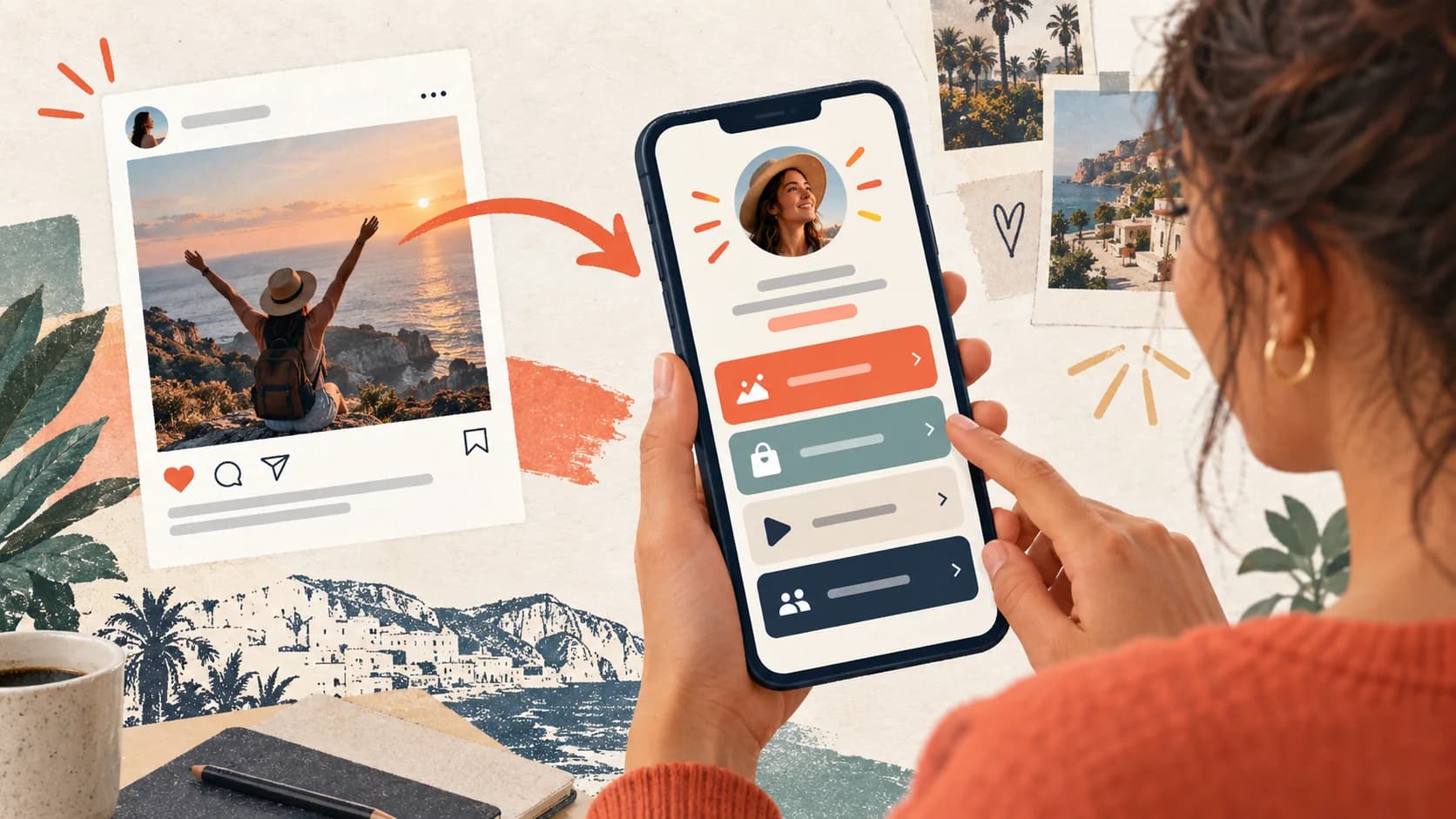
To create a Linktree for Instagram, create an account, choose a username, add your priority links, select a theme, and place the public URL in your Instagram profile. A Linktree turns that single profile link into a page for your store, newsletter, booking page, social profiles, or latest offer. The setup is simple, but the structure of the page determines whether visitors click or leave.
Quick setup checklist: create the account, claim a recognizable username, add 2–5 outcome-based links, choose a mobile-readable theme, copy the public URL into Instagram’s Links field, and complete every important journey from a logged-out phone. Most accounts can publish the first version in one sitting.
Before you start
You need an email address, a username for your public URL, and the 2–5 destinations that matter most to your Instagram audience. Start with the visitor’s next step, not with every link you have.
What a Linktree does for Instagram
Linktree is a link-in-bio page. Instead of changing your Instagram bio every time you publish a new offer, you keep one URL in your profile and update the destinations behind it.
The official Linktree setup guide asks new users to sign up, choose a username, select a plan, and add links and a theme. Linktree also offers a free starting plan, while additional customization and marketing features vary by plan.
This guide is specifically about creating and publishing a Linktree. If you are deciding between products, use the separate Linktree alternatives comparison, which evaluates tools instead of repeating the setup steps here.
This solves the “one link” problem, but it does not mean you should add unlimited links. A page with ten equally prominent buttons forces visitors to make too many decisions. A better page gives one primary action, one secondary action, and a few trust-building links.
Choose between classic links and Link Apps
Linktree now supports two different building blocks. A classic link sends the visitor to another page. A Link App embeds an experience such as a video, podcast, form, or booking flow so the visitor can interact without leaving the Linktree.
The official Linktree documentation lists more than 30 Link Apps. That makes the product more capable than the old “stack of buttons” description suggests. It also creates a new editorial decision: decide which experiences deserve to stay on the page and which should open a dedicated destination.
Use a classic link when the destination needs its own context, checkout, account, or full page. Use a Link App when previewing or completing the action in place reduces a meaningful handoff. Do not embed everything just because it is possible; too many rich blocks can still bury the primary goal.

How to create a Linktree step by step
1. Create your account and choose your username
Go to Linktree and select Sign up. Use an email address you control, then choose a username that is easy to remember and close to your Instagram name. Your username becomes part of your public URL, so avoid numbers and random characters if possible.
If you manage multiple projects, Linktree supports multiple Linktrees under one login. Give each profile a clear purpose so you do not accidentally send traffic to the wrong page.
2. Add the links your audience actually needs
Open the Links area and select Add. Paste the destination URL, write a clear title, and check that the link is enabled. Linktree’s official link instructions also recommend checking that the URL includes https:// and that the button is switched on.
Use titles that describe the outcome:
- “Download the free client checklist”
- “Book a 15-minute discovery call”
- “Shop my Lightroom presets”
- “Watch the latest YouTube tutorial”
Avoid labels like “Click here”, “My website”, or “More links”. They use valuable attention without explaining the benefit.
3. Choose a theme and preview on mobile
Use Design to choose a theme, adjust colors, and set your background. The Linktree theme guide explains that free themes are available and that deeper customization depends on the plan.
Preview the page on your phone before adding it to Instagram. Check button contrast, text size, load time, and whether the first action is visible without scrolling.
4. Add the URL to Instagram
Copy your public Linktree URL and add it to Instagram under Edit profile > Links. Then open your Instagram profile from another account or an incognito browser and test the complete journey.
Do not stop at checking whether the page loads. Tap every important button, test the checkout or booking form, and verify that your email capture or download works.
5. Run a five-minute launch check
Before you announce the page, verify five things in order: the Instagram link opens, the correct profile name and image appear, the first button matches your current content, every destination loads inside Instagram’s browser, and the final action completes. Save the date and page order in a simple change log so later analytics have a meaningful baseline.
Publish the Linktree in your Instagram profile
Copy the full public URL, including https://. Linktree's Instagram instructions direct users to add it through the profile-editing flow. Instagram's labels and menu position can change by app version, so follow the current interface rather than relying on an old screenshot.
After saving, test the journey from a second account or a logged-out browser:
- Open the Instagram profile and tap the displayed link.
- Confirm the correct Linktree and profile identity appear.
- Test the primary action inside Instagram's in-app browser.
- Complete the form, booking, download, or checkout rather than stopping at the first page.
- Check confirmation and delivery on another device if they rely on email.
This catches wrong usernames, disabled buttons, missing URL protocols, expired campaigns, and checkout handoffs that a desktop preview can miss.
How to design a Linktree that gets clicks
Put one goal above the fold
Your first button should match the promise in your Instagram content. If your bio says “Helping freelancers land better clients,” the first button could be a client proposal template or a discovery call—not your old podcast episode.
Use a simple order
A practical order is:
- Primary offer or lead magnet
- Best proof point or featured content
- Secondary offer
- Social profiles and archive links
This is the difference between a page that lists destinations and a link-in-bio landing page that moves people toward a decision.
Build around the traffic source
Instagram visitors are usually on mobile and have just seen a post, Reel, or Story. Make the first button the natural continuation of that content. If your newest Reel teaches a specific workflow, send visitors to that workflow’s template—not to a generic homepage.
Remove links that do not earn their place
Review your page every month. Remove expired launches, duplicate social links, and destinations that receive clicks but never contribute to your goal. Your bio link is valuable real estate, not a storage folder.

Measure and maintain the page after launch
Give the page one business goal and name its conversion event. Clicks alone cannot tell you whether the page helped: a booking button may receive fewer clicks than a free resource while producing more qualified revenue.
Review these signals every month:
- visits to the Linktree from Instagram;
- clicks or embedded actions on the primary item;
- completion on the destination page;
- valid leads, bookings, or purchases;
- stale links and campaigns that no longer match current content.
Use a consistent tracking convention for campaigns and keep a dated change log. If you reorder three links, change the headline, and launch a discount on the same day, you will not know which change affected the outcome. The bio-link analytics guide shows how to create a baseline before testing.
When a simple Linktree is not enough
A Linktree works well when the visitor only needs to choose among a few destinations. You may need a more conversion-focused setup when:
You sell to different audiences. A coach may serve founders, students, and teams. Showing all three offers at once makes the visitor do the sorting.
You need to capture a lead before the sale. A visitor who is not ready to buy today should have a useful next step, such as a checklist or short quiz. See our guide to capturing leads from a bio link.
You need to sell digital products. A store needs product context, delivery, checkout, and follow-up—not only a button. Our digital product bio link guide covers the full path.
You want to personalize the journey. With conditional logic, a visitor can answer a question and see the most relevant path instead of a generic list.
In those cases, SellBio can replace a static list with a guided funnel. You can also review the broader Linktree alternatives comparison before choosing a tool.
Conclusion
Creating a Linktree for Instagram takes only a few minutes: sign up, choose a memorable username, add the links that matter, design for mobile, and test the page from an actual Instagram profile. The real work is deciding what the first click should accomplish.
If you only need a clean list of destinations, a free Linktree may be enough. If you need to qualify visitors, capture leads, or guide different audiences toward different offers, use the 7-day SellBio Creator or Growth trial to test one complete route. A card is required and you are not charged until the trial ends.
Start with one useful action
Choose the single action that would help your business most this week. Put it first, make the button specific, and measure the clicks. A focused bio link will outperform a crowded one.
Related reads
- Best Linktree Alternatives in 2026 — Compare tools beyond the basic link list.
- How to Customize Your Link in Bio Page — Improve design, copy, and visitor paths.
- Link in Bio Analytics — Track the clicks that matter.
Ready to turn followers into customers?
Sell products, capture leads, take bookings, and guide every visitor from one link.